
Install from LangBot Space for the smoothest setup — listed MCPs are pre-configured and ready to use.You can also fetch from ModelScope, mcp.so, or composio.dev, then add them manually as shown below.
Two Transport Modes
Earlier versions split the remote mode into separate
http (Streamable HTTP) and sse options; these are now unified into a single remote mode, with the transport auto-detected by the backend. Existing http / sse rows in the database are normalized to remote on upgrade, and their connection args (URL, headers, timeout) are preserved unchanged.MCP tools require the pipeline to use the built-in Agent, with a model that has tool use enabled — see Models. External runners (Dify, n8n, Langflow, Coze, etc.) use their own tool mechanisms.
Installing an MCP Server
From LangBot Space (Preferred)
LangBot Space is the official LangBot marketplace, with a curated list of ready-to-use MCP servers. In the WebUI, browse and install them with one click underPlugin Management → MCP Management — URL, command, and mode are filled in by the listing, so nothing has to be configured by hand.
This covers most cases. For services that aren’t listed, use the manual flow below.
Adding Manually
OpenPlugin Management → MCP Management:
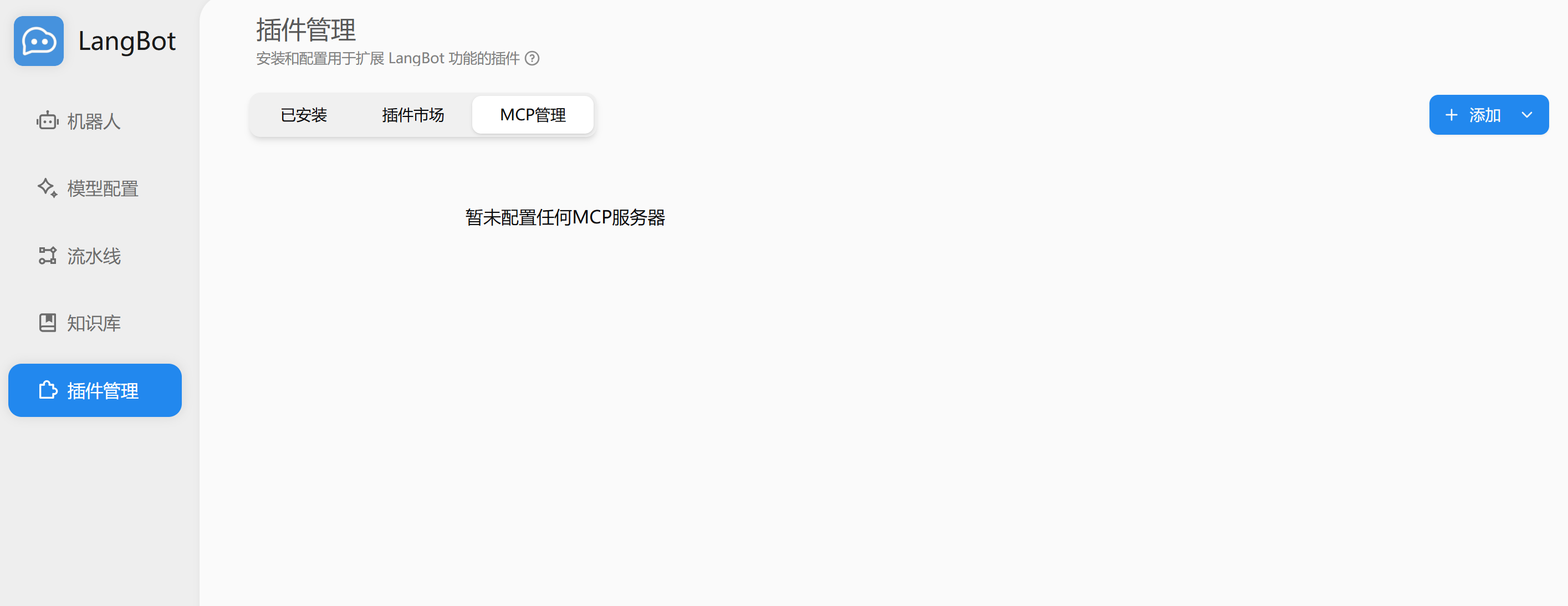
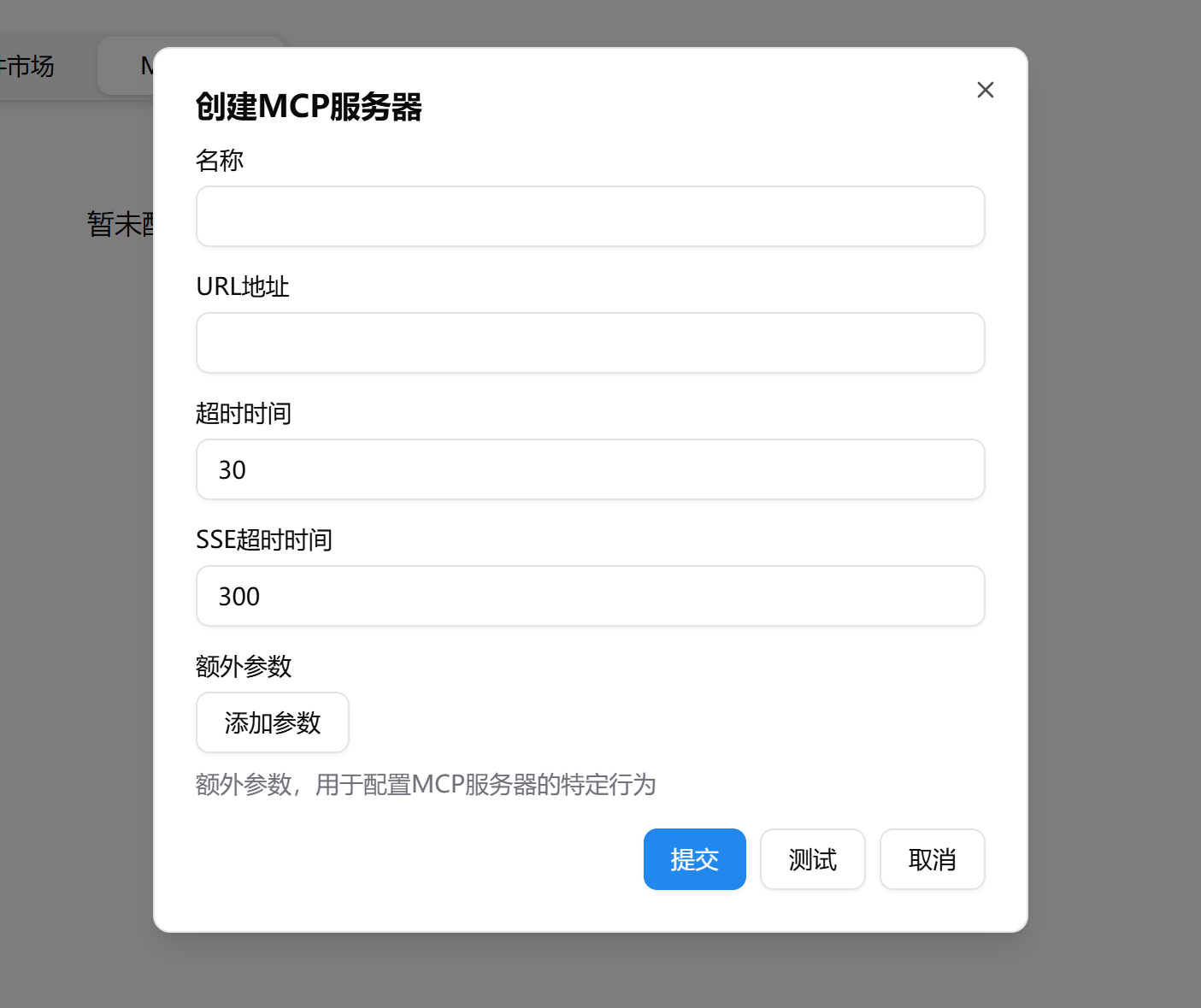
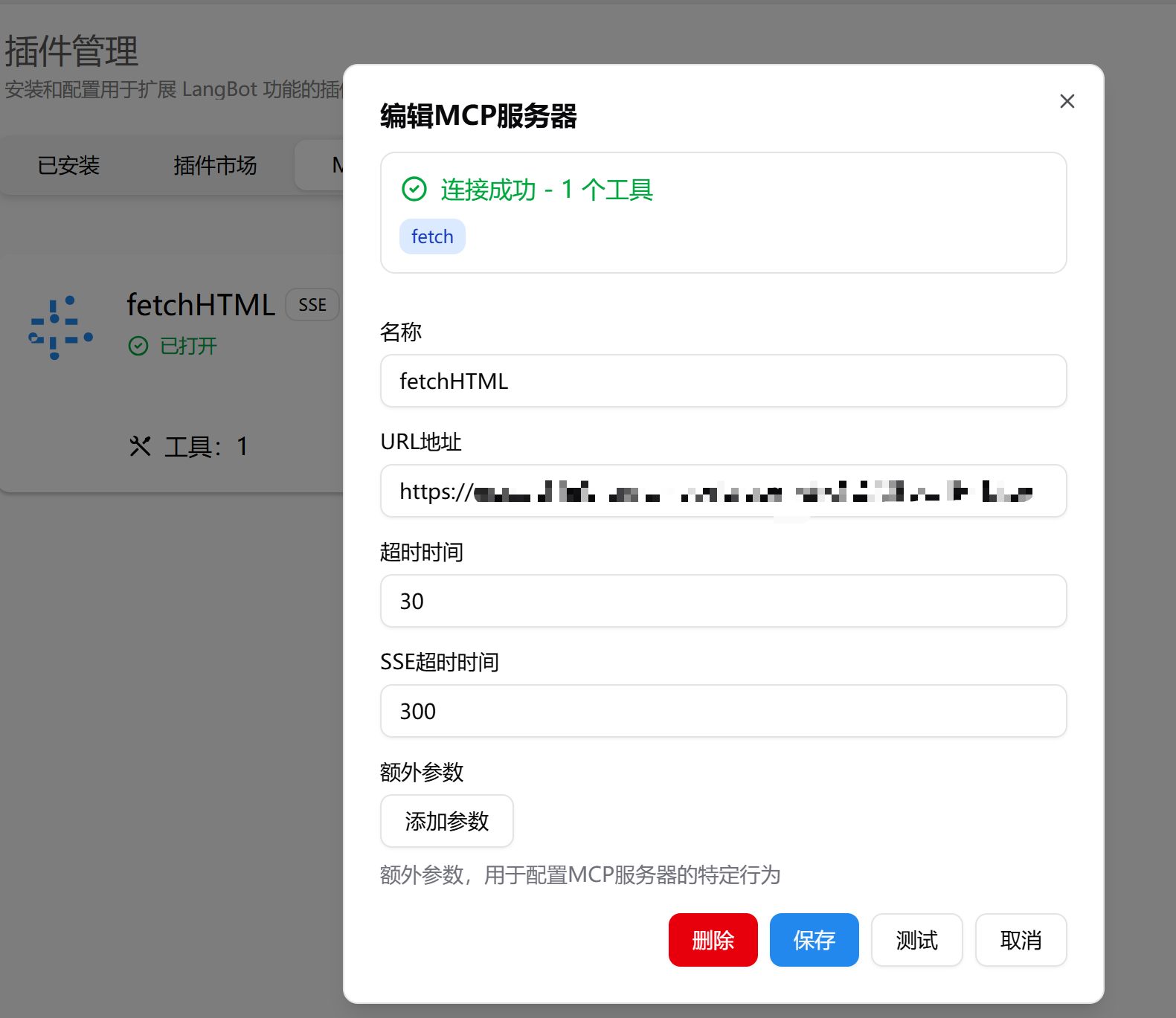
Add in the top right, choose Add MCP Server, pick Local (stdio) or Remote mode: for remote just paste the URL, for local fill in the launch command. Click Test to verify connectivity, then Submit:
Enabling in a Pipeline
Once an MCP server is added, the pipeline extension config decides which servers the Agent can see:- Enable “all MCP servers”, or
- Bind only specific MCP servers
Advanced: stdio MCP
stdio MCP is hosted by Box Runtime. Before the connection is ready, LangBot:- Creates or reuses a shared MCP Box session
- If a local project path can be inferred from the command, stages the project into the workspace
- Installs dependencies if the project has
requirements.txt,pyproject.toml,setup.py, orsetup.cfg - Connects the MCP process’s stdin/stdout through a WebSocket relay
box override under the MCP extra_args: